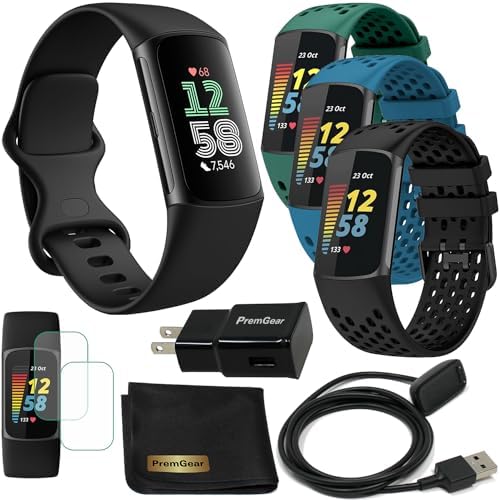
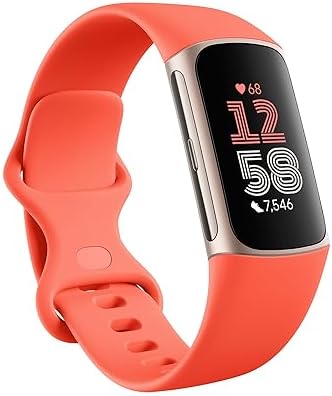
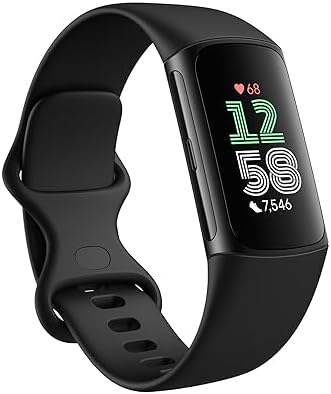
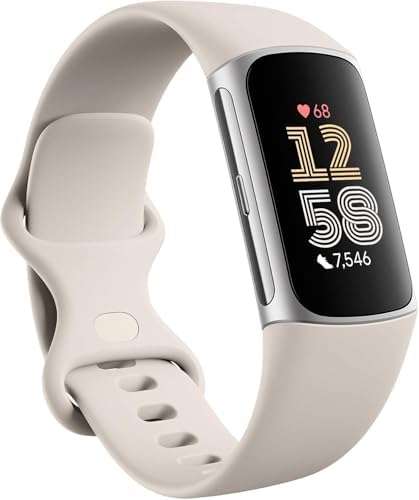
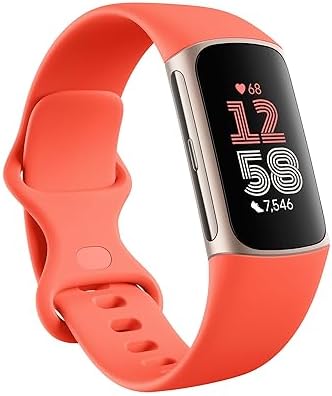
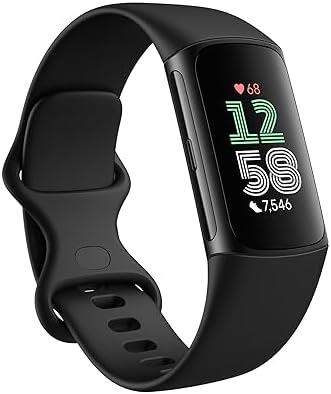
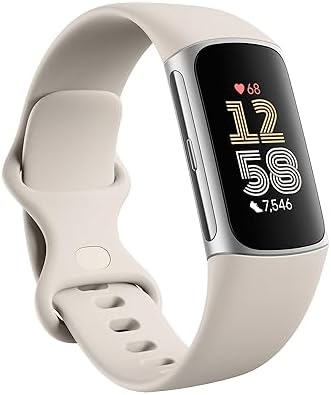
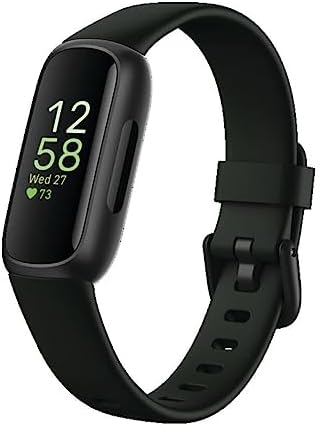
The fitness tracker and the smartwatch have converged into two distinct answers to the same question: how much do you want a screen on your wrist to do? The Fitbit Charge 6 represents the focused band, a slim device built around continuous heart rate, sleep, and workout data with a battery that disappears from your mental checklist. The Google Pixel Watch 4 collection represents the full wrist computer, a round smartwatch that pairs Google’s software layer with health tracking and connectivity. This guide compares the two as buying decisions rather than spec sheets, because the correct pick depends less on raw numbers than on how you actually move through a day, and it is built to be saved for reference when the final choice is made.
| Feature and Selling Point | Fitbit Charge 6 | Google Pixel Watch 4 |
|---|---|---|
| Form factor | Slim fitness band with narrow display | Round smartwatch case (41mm and 45mm options) |
| Battery life | Up to 7 days | Up to 30 hours with always-on display; up to 48 hours in extended modes |
| GPS | Built-in GPS with GLONASS support | Dual-frequency GPS |
| Display type | Narrow AMOLED-style color touchscreen band display | Full round touchscreen with always-on option |
| Health sensors | Heart rate, red and infrared sensors, SpO2, skin temperature, EDA | Heart rate, SpO2, skin temperature, ECG-class sensing, sleep tracking |
| Connectivity | Bluetooth, NFC for contactless payments, phone-connected features | Bluetooth 6.0, Wi-Fi, NFC, optional 4G LTE, ultra wideband, satellite SOS |
| On-wrist apps and calls | Limited app support; notifications and basic smart functions | Full app ecosystem, calls, maps, Gemini built in |
| Workout hardware control | Heart rate broadcast to compatible gym equipment and Google apps | Standard fitness app integration on watch |
| Charging cadence | Roughly once per week | Daily or every other day in typical use |
| Sleep tracking depth | Detailed sleep stages, score, and nightly trends | Detailed sleep stages and score with watch-worn comfort caveat |
| Wearing comfort overnight | Very light and unobtrusive | Heavier case; some users remove it at night |
| Water resistance | Swim-proof design suitable for pool and shower | Water resistant for swimming and everyday exposure |
| Subscription context | Bundled Google Health Premium trial in retail packages | Premium features tied to Google Health subscription |
| Ideal buyer | Data-first users who dislike charging | Smartwatch users who want apps and a screen |
The single row that matters most is battery architecture: the band’s week-long runtime changes behavior, while the watch’s daily charging becomes a habit. The second decisive difference is the screen. Once a wearable carries a full display, apps, and cellular options, it stops being a tracker you forget and becomes a small phone on the wrist. Everything else in the table flows from those two choices.
Battery Life and the Psychology of Charging
Google specifies the Charge 6 for up to seven days of battery life, a figure that holds across mixed use with GPS sessions and overnight sleep tracking. That number quietly rewrites the owner’s routine. A charge on Sunday evening covers the working week, and travel packing stops including a proprietary cable for a device that otherwise lives on the wrist. For anyone who has abandoned a smartwatch because it died during a long day, the band solves the problem by refusing to participate in the daily top-up cycle.
The Pixel Watch 4 follows a different logic. Google rates it for up to 30 hours with the always-on display enabled and up to 48 hours in power-saving configurations, with a 325 mAh typical battery. Real-world use with GPS workouts and notifications pushes most owners toward a nightly charge, which is standard for full smartwatches and entirely reasonable for the audience. The trade-off is explicit: the watch spends battery on a larger screen, an app platform, and optional LTE connectivity, and the owner pays for that in charging discipline.
The practical decision rule is simple. If charging a device daily feels like friction, the band wins before any other specification is considered. If the wrist screen earns its keep through maps, messages, calls, and payments, the daily charge is the price of admission. Neither device is wrong; they are built for different tolerances.
Display, Apps, and the Smartwatch Question
The Pixel Watch 4 is a complete smartwatch. The round display runs full applications, surfaces notifications with room to read them, supports contactless payments, and integrates Gemini on the wrist. With the cellular variant, calls and messages continue without a phone nearby, and satellite SOS communication adds a safety layer for remote activity. Connectivity lists Bluetooth 6.0, Wi-Fi across 2.4GHz and 5GHz bands, NFC, and ultra wideband, putting the watch in the same category as premium smartwatches from other ecosystems, with the difference that Google’s version ties directly into Google services.
The Charge 6 treats its display as a window onto fitness data rather than a platform. Notifications arrive, payments work through NFC, and the band pairs with phones for connected features, but nobody buys this device to scroll. That restraint is the point: with fewer pixels demanding attention, the band stays out of conversations, survives sweaty workouts without resenting the abuse, and keeps the wrist light. The health sensing package, including red and infrared sensors alongside heart rate and blood oxygen measurement, feeds the same Google Health profile that the watch uses, so data continuity survives a switch between the two.
A useful way to decide: count how often a day you would actually use a screen on your wrist for something other than reading the time or a step count. Frequent use favors the watch. Occasional use favors the band, which is also the more comfortable choice under a shirt cuff or while lifting weights.
Training Metrics, GPS, and Gym Integration
Both devices track the fundamentals well, but their GPS implementations diverge in ways that matter to runners and cyclists. The Pixel Watch 4 carries dual-frequency GPS, the more accurate positioning approach in dense cities and under tree cover, and its workout platform covers the standard activity set with route mapping on the larger display. The Charge 6 relies on built-in GPS with GLONASS support, adequate for everyday routes and pace tracking, and its retail package notably includes a three-month Google Health Premium membership that unlocks deeper analysis.
The band’s distinctive training feature is heart rate broadcasting. It can share live heart rate data with compatible gym equipment and Google apps, letting a treadmill or rowing machine display effort in real time without a chest strap. For people who train indoors and care about zone accuracy, that single capability often decides the purchase. The watch handles the same scenario through its own workout app and connected equipment support, but it adds the display-based advantages of on-screen pacing and route guidance.
- Choose dual-frequency GPS precision: Pixel Watch 4 for city running and trail accuracy.
- Choose sensor broadcasting: Charge 6 for gym machines and group fitness classes.
- Choose screen-based navigation: Pixel Watch 4 for routes and maps on the wrist.
- Choose week-long tracking: Charge 6 for multi-day hikes without a charger.
Altitude and temperature limits are worth a glance for serious outdoor users: the Charge 6 is rated for operation up to 28,000 feet and across a 14 to 113 Fahrenheit range, figures that comfortably cover ski days and alpine hikes. The watch’s own environmental ratings target the same everyday adventures, so this row rarely decides a purchase between the two, but it confirms neither device is a fair-weather toy.
Design, Materials, and Daily Wear
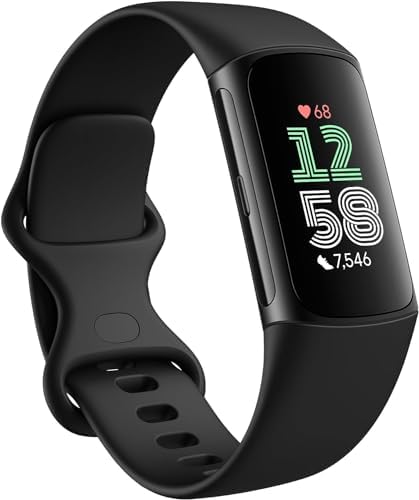
Wearables succeed or fail on the wrist, not in a specification table. The Charge 6 ships with small and large bands in the box, a practical detail that lets buyers dial in fit without a second purchase, and its slim profile slides under sleeves and stays put during sleep. The obsidian and black finishes read as neutral, working with gym clothes and office attire alike. That versatility is the design thesis: a tracker should be noticeable only when you want it to be.
The Pixel Watch 4 takes the opposite stance. Its domed round case is meant to be seen, and the 41mm and 45mm sizing lets buyers choose between a discreet smartwatch and a more substantial presence. The 45mm Moonstone variant with an active band pairs a lighter colorway with a sport-focused strap, though the case remains heavier than any fitness band and many owners remove it at night. That nightly removal is not a flaw so much as a consequence of building a real screen into a watch case.
Materials and finishing separate the two more than any single spec. The band uses soft-touch elastomer and a compact display housing to keep weight down, while the watch leans on glass and metal for a jewelry-adjacent feel. Buyers who want their wearable to look like a watch will find the Pixel Watch 4 familiar; buyers who want it to disappear will find the Charge 6 easier to live with.
Health Tracking, Sleep, and Subscription Reality
Both devices flow into Google Health, and the underlying sensor stack overlaps more than the form factors suggest. Heart rate, blood oxygen, skin temperature, and sleep staging are present on both, and the resulting scores and trends land in the same app. The Charge 6 adds EDA sensing for stress tracking in a package optimized for continuous wear, while the Pixel Watch 4 leans on its screen to present richer on-watch insights and integrate Gemini for voice queries about your own data.
Sleep tracking quality depends heavily on wearing the device overnight. The band’s light build makes all-night wear effortless, which in practice produces more consistent sleep data. The watch can track sleep just as thoroughly, but users who charge it overnight lose that window, and users who wear it to bed accept a heavier wrist. This is a case where comfort directly affects data quality, and the band holds the advantage for anyone serious about sleep analysis.
Subscription context deserves attention. The Charge 6 retail package includes a three-month Google Health Premium membership, giving new owners a trial window for advanced insights, while the Pixel Watch 4 ties premium features to the same Google Health subscription. Neither device requires the subscription for core tracking, but the best analysis sits behind it. Budget for the subscription if the deeper metrics matter, and treat the bundled trial as a genuine evaluation period rather than a permanent feature.
Which Buyer Should Choose Which Device
The decision framework comes down to three criteria. First, charging tolerance: a weekly charge suits most people better than a nightly one, but a nightly charge is trivial for anyone already docking a phone. Second, screen use: if you answer messages, follow maps, or take calls from the wrist, only the watch qualifies. Third, training style: gym-based training with equipment heart rate broadcasting favors the band, while outdoor route accuracy and on-screen pacing favor the watch’s dual-frequency GPS.
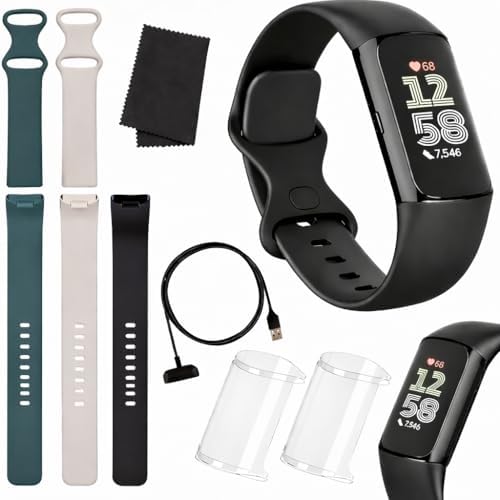
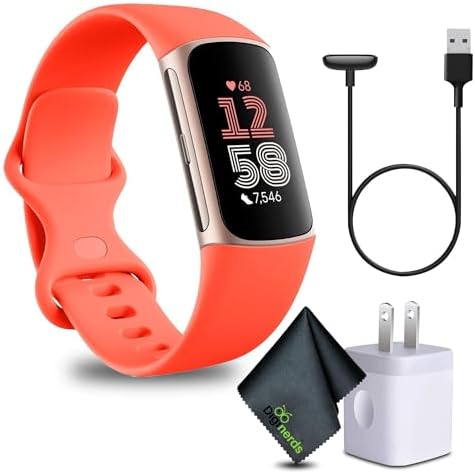
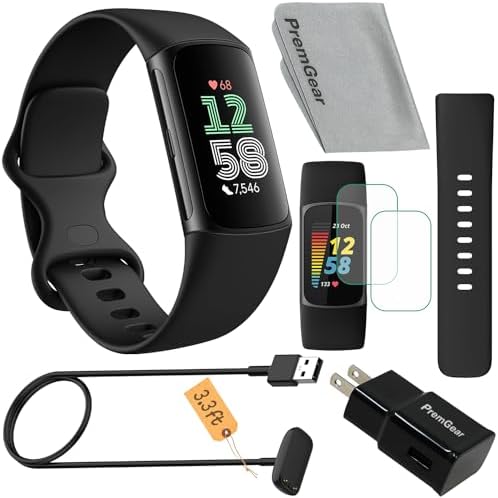
Buy the Charge 6 if you want tracking to be automatic, if you sleep with a device on and refuse to compromise comfort, if you train indoors with connected machines, or if a week between charges matters to your routine. The Google Fitbit Charge 6 Obsidian Black includes both band sizes and a subscription trial, and the wider Fitbit brand’s approach to continuous wear favors exactly this kind of low-friction tracking. Readers weighing band sizes and finishes can browse the Charge 6 models before committing.
Buy the Pixel Watch 4 if the wrist screen is the product. Apps, calls, maps, payments, Gemini, and optional LTE make it a standalone connected device, and dual-frequency GPS rewards outdoor training. Cellular and satellite SOS options extend its reach beyond phone range. The Google brand’s wearable ambitions are clearest in this watch, and the Google Pixel Watch 4 45mm Moonstone is the larger-case expression of that idea for buyers who want presence on the wrist.
There is a third path worth naming: the two devices complement rather than compete. A runner could wear the band for sleep and daily steps and the watch for weekend navigation, with both feeding Google Health. That combination costs more but covers every scenario without compromise. Most buyers, though, only need one, and the honest answer is that the band wins on comfort and endurance while the watch wins on capability and screen. Match the device to your tolerance for charging and your appetite for wrist interaction, and the choice becomes obvious rather than agonized.