Choosing between the Google Pixel Watch 3 and the Samsung Galaxy Watch8 means weighing two very different visions of what a modern smartwatch should be. One leans into the minimalist, Fitbit-powered ecosystem that shapes every Pixel wearable; the other refines Samsung’s cushion-shaped hardware into its slimmest form yet. This guide walks through the specifications that actually shape daily wear, from case dimensions and display brightness to battery endurance and health-sensor depth, so the right model becomes obvious for your wrist and your routine.
| Feature & Selling Point | Google Pixel Watch 3 | Samsung Galaxy Watch8 |
|---|---|---|
| Case Sizes | 41mm and 45mm | 40mm and 44mm |
| Case Material | Recycled aluminum (Matte Black option) | Armor aluminum |
| Display Type | Actua 360 dome, up to 2,000 nits | Super AMOLED, peak 3,000 nits |
| Always-On Display | Battery-adaptive brightness | Peak brightness in AOD mode |
| Processor | Google Tensor G3 co-processor | Exynos W1000 |
| Operating System | Wear OS 5 (Pixel-focused layer) | Wear OS 6 with One UI Watch |
| Battery Life (AOD off) | Up to 36 hours (45mm) | Up to 40 hours (44mm) |
| Charging | Fast-charge pin dock | Magnetic wireless charging puck |
| Water & Dust Rating | 5 ATM / IP68 | 5 ATM / IP68 |
| Health Platform | Fitbit (ECG, SpO2, skin-temp) | Samsung Health (BioActive Sensor) |
| Body Composition | Not offered | Bioelectrical impedance sensor |
| Low Heart Rate Alert | Yes | Yes (BioActive sensor) |
| Advanced Coaching | Daily Readiness, cardio load, loss-of-pulse detection | Running Coach, Energy Score, Sleep Coaching |
| Design Signature | Dome glass, no physical bezel | Cushion dial, 11 percent thinner than Watch7 |
| Phone Compatibility | Android only | Android (limited iOS support) |
| Ideal Buyer | Pixel owners who want Fitbit analytics | Galaxy owners who want the thinnest, brightest case |
The scoreboard points to two clear differentiators: Samsung pushes pure brightness and body-composition sensing further, while Google leans on Fitbit’s mature readiness metrics and offers the larger 45mm footprint for people with wider wrists. What that means in practice is that the brightest display and the most granular fitness insight are no longer sitting on the same wrist.
Why the Wear OS Battle Matters in 2025
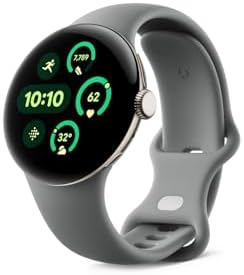
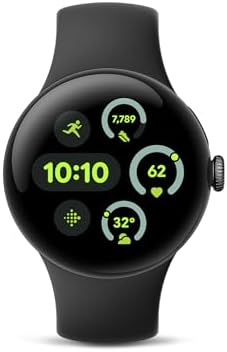
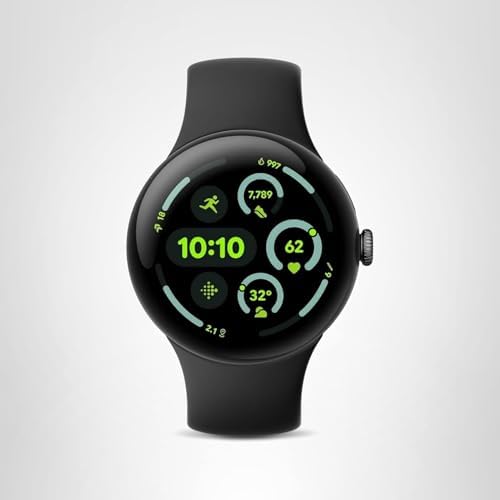
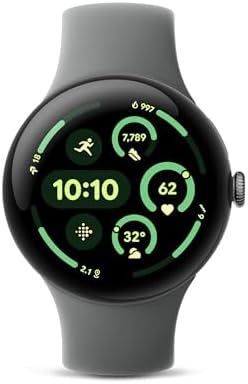
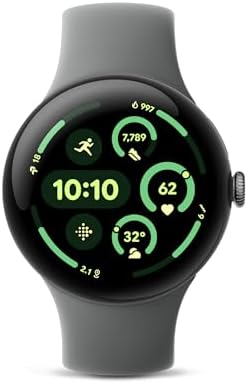
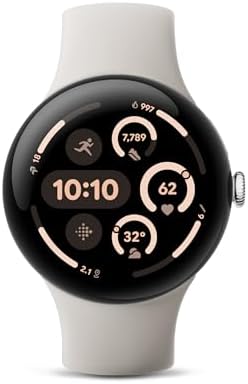
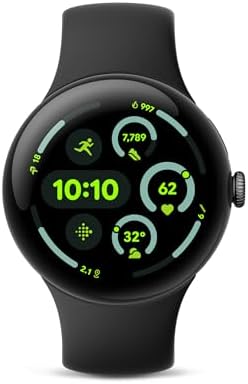
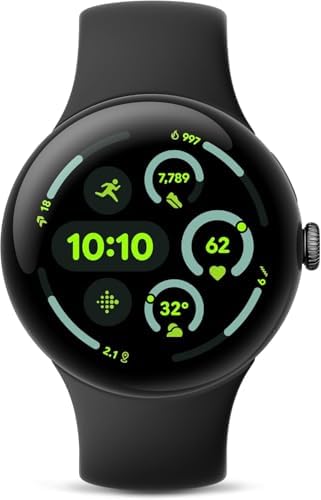
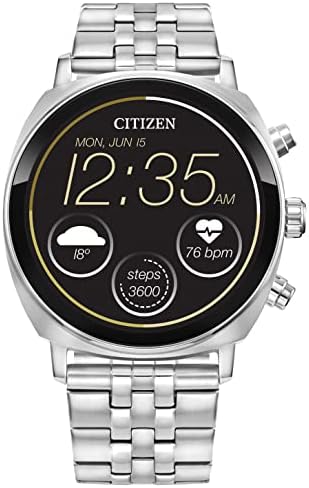
Both watches run on Google’s Wear OS, but each brand bends the platform to its own philosophy. The Google Pixel Watch 3 (45mm) Latest Black Aluminum 45mm Wi-Fi runs a clean, near-stock interface where the interface recedes and the Fitbit dashboard leads. The Samsung Galaxy Watch 8 (2025) 40mm Graphite Bluetooth leans on tile-heavy navigation, quick panel shortcuts, and tighter hand-off to Galaxy phones and Buds.
Neither approach is objectively superior; the difference shows up in how you use the watch. Pixel users tend to glance at a single snapshot card, readiness, heart-rate zone, workout status, and move on. Galaxy users tend to swipe through tiles, trigger routines, and expect the watch to mirror their phone’s layout. Over a week, the watch that matches your existing habits is the one that stops feeling like an extra device.
Physical Build: 41mm Dome vs a Thinner Cushion
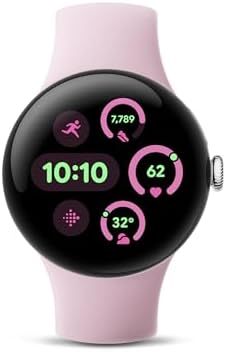
Google’s recycled aluminum case keeps the dome-shaped Actua display wrapping smoothly around the wrist, and the 45mm option gives the line a footprint closer to a conventional sports watch. Samsung’s Armor aluminum case here is the slimmer of the two profiles, at roughly 11 percent thinner than the Galaxy Watch7, a figure Samsung states in its own product specifications.
The visual result is opposite: the Pixel looks like a rounded pebble with no bezel to interrupt the glass, while the Galaxy Watch8 keeps a cushion-dial silhouette that leaves a touch more metal visible around the rim. For buyers with narrow wrists, the 40mm Galaxy case often sits flusher. For buyers who prefer the larger dial, the 45mm Pixel spreads weight across a wider lug-to-lug span and pushes the sensor array against the wrist bone less.
Display, Brightness, and Readability Outdoors
Brightness is the single most measurable gap. Samsung’s Super AMOLED panel on the watch reaches a higher peak than Google’s dome glass, and the always-on mode keeps that brightness active rather than dimming it to save power. In direct midday sun, this is the difference between reading a notification on the first glance and tilting the wrist a second time.
Google counters with adaptive brightness that scales the always-on mode, trading a small amount of legibility for battery headroom. The Actua 360 dome also handles viewing angles well, with colors holding their tone instead of washing out at steep angles. Neither panel leaks obvious blue or shifts toward green during dark-themed watchfaces.
Battery Endurance and Charging Habits
Google quotes up to 36 hours of battery life for the 45mm model with the always-on display disabled; Samsung lists up to 40 hours on the 44mm variant under comparable settings. Both figures assume standard use with notifications, health tracking, and a workout or two; a marathon training block or non-stop GPS will cut either number closer to 20 hours.
Charging reverses the convenience: the Galaxy uses a magnetic wireless puck that snaps into place by feel, while the Pixel relies on a pin dock that requires a slightly more deliberate alignment. If your routine involves a pre-sleep top-up, the magnetic puck wakes fewer fingers. If your routine charges overnight, the difference largely disappears.
Health Sensors and the BioActive Advantage
This is where the Galaxy Watch8 pulls ahead in raw sensor count. Samsung’s BioActive Sensor package measures heart rate, electrical heart signal, and body composition through bioelectrical impedance, so it can estimate skeletal muscle, body fat percentage, and body water in about fifteen seconds with two fingers on the button. The Pixel Watch 3 has no equivalent body-composition feature.
Google’s counters are workload- and medical-oriented. The Fitbit platform handles continuous heart-rate zones, skin-temperature variation, blood-oxygen readings, ECG tracing, and a loss-of-pulse detection feature aimed at an emergency notification use case. Daily Readiness combines sleep score, heart-rate variability, and recent training load into a single number. Neither platform yet claims clinical diagnostic status, and both advise confirming anomalies with a medical professional rather than a wrist device.
Which Wearable Ecosystem You Already Belong To
Compatibility narrows the field quickly. The Pixel Watch 3 requires Android and depends on Fitbit app data sync to reach its full value. Notably, it does not pair with iPhones. Samsung receives deeper feature support on Galaxy smartphones, where features including ECG and blood pressure monitoring depend on a Samsung phone on the same account; Samsung also notes that cross-platform compatibility varies by OS version, so pairing with a non-Galaxy Android or an iOS device reduces functionality.
If the watch sits next to a Pixel phone, the Pixel Watch 3 is the natural choice, since companion features, alarm sync, and Pixel-specific gestures only appear there. If the watch sits next to any Galaxy S or Galaxy Z phone, the Galaxy Watch8 leans on integrated sleep, energy tracking, and quick ecosystem hand-offs that Pixel owners simply do not receive. Buyers weighing the broader Google wearable line against Samsung’s ecosystem should note that the Pixel Watch 3 remains the only current Google-branded watch with the 45mm case size.
Sleep Tracking, Coaching, and Long-Term Motivation
Sleep-stage accuracy is a moving target on every wearable, but the approach varies. The Galaxy Watch8 offers Sleep Coaching with a personalized programme and a sleep score that maps snoring detection and blood-oxygen fluctuation against your baseline. The Pixel Watch 3 ties sleep to its readiness score and pushes the insight into daily cardio-load guidance, then nudges an active-zone target for the day.
Workout coaching splits similarly. Samsung markets Running Coach as a realtime style and stride assistant, plus an Energy Score that blends fitness history with overnight recovery. Google markets a cardio-load feature that tracks the load accumulated across a week of training. Both stand up as credible training partners for amateur runners; neither replaces an interval timer worn by competitive athletes working to a plan.
The right single decision for most buyers is settled less by specifications than by the phone in your pocket. Choose the Pixel Watch 3 if your daily carry is a Pixel or another Android device and Fitbit’s combination of readiness and low-heart-rate safety reflects how you want to understand your body. Choose the Galaxy Watch8 if your household runs on Galaxy hardware and body-composition readings, the peak-brightness AMOLED, and the trimmed-down case feel closer to how a smartwatch should sit when you never take it off. Both are on the front edge of what Wear OS devices can do with a wrist; the deciding variable is not which watch wins a spec sheet, but which one you stop charging around and start relying on first thing in the morning.